#1 Remote Upload Tool
Save Bandwidth: Transfer Files Directly to Google Drive, OneDrive & Dropbox.
Skip the download folder. Give us a link, and we'll pipe it straight to your cloud storage at gigabit speeds. Close your lid. Go get coffee. We'll handle the rest.
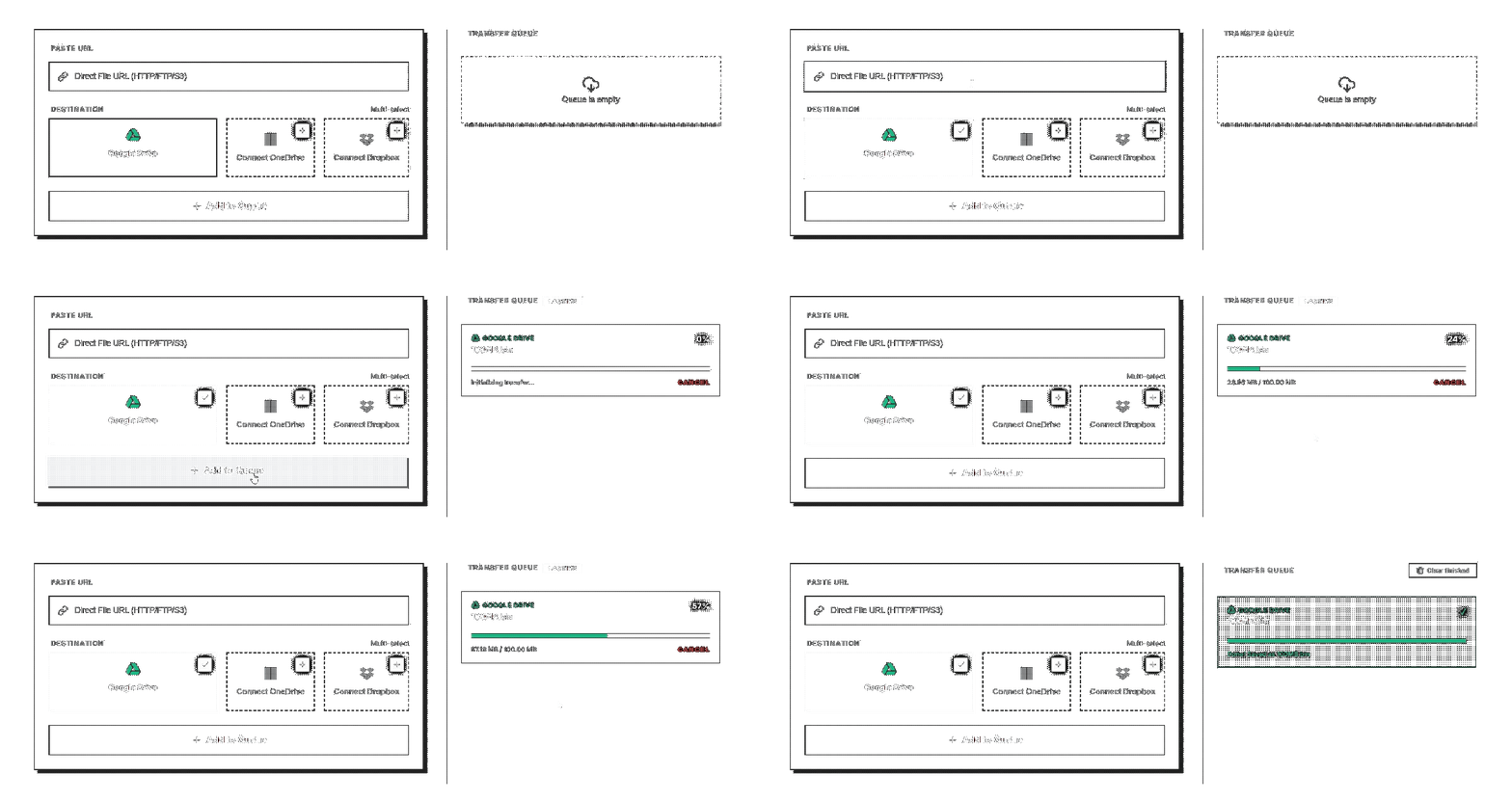
The "Download Folder" is broken.
Local downloads were designed for PDFs, not 100GB datasets. You are currently held hostage by your browser.
Laptop Dependency
If your laptop sleeps, the download dies. You are forced to leave your lid open and drain your battery overnight just to move a file.
Network Drops
Coffee shop WiFi drops for 2 seconds? "Network Error". You have to start that 40GB download from 0% all over again.
Double Handling
You download it locally, wait 3 hours, then upload it to Google Drive and wait another 3 hours. It's wildly inefficient.
How it works.
Paste Link
Works with any direct file link. No browser extensions needed.
Choose Cloud
Select Google Drive, OneDrive, or Dropbox as your destination.
Walk Away
Close the tab. Go outside. We work in the background and notify you.
Built for professionals who move real data.
Creators & Video Editors
Move 50GB+ 4K raw footage directly into Google Drive or Dropbox for clients without downloading it to your local SSD first.
Researchers & Data Teams
Transfer massive public datasets (like Kaggle or HuggingFace) directly into your cloud storage. Stop wasting local bandwidth.
Agencies & Freelancers
Centralize client asset delivery. Pull huge ZIP files from messy client links directly into your agency's shared OneDrive folder.
Trusted by professionals. Secured by design.
Official OAuth Integrations
We use the official Google Drive, Dropbox, and Microsoft OneDrive APIs. We never see your passwords. You grant access directly through the provider, and you can revoke it at any time from your cloud provider settings.
Zero-Knowledge Streaming
We are a conduit, not a storage provider. Files are streamed entirely in-memory and never written to our hard drives. The moment the transfer completes, the memory buffer is wiped instantly.
"I used to leave my laptop open overnight to download 100GB client footage just to upload it to my agency Drive. Now I paste the link and go to sleep. Total lifesaver."
"We pull massive public datasets from Kaggle directly into our Google Drive for model training. Uploog bypasses the slow corporate WiFi completely."
Raw bandwidth. Transparent pricing.
Need massive volume?
Dedicated infrastructure, custom SLAs, and terabyte-scale limits for enterprise.
Contact UsFrequently Asked Questions
How do I download a URL to Google Drive, OneDrive, or Dropbox?
Simply paste the direct download URL into Uploog, select your destination, and our high-speed servers will transfer the file directly to your cloud storage.
Does this work with 50GB+ large files?
Yes. Our infrastructure is built specifically for massive files. We handle the bandwidth and ensure your remote upload completes successfully, even if you go offline.
Is this secure?
Yes. We use official OAuth integrations with Google, Microsoft, and Dropbox, meaning we never see your passwords. All transfers are encrypted, and we use zero-knowledge streaming.
Are files stored on your servers?
No. We are a conduit, not a storage provider. Files are streamed in-memory from the source to your cloud and are never written to our disks.
Does this use my local bandwidth?
No. The transfer happens entirely on our high-speed servers. You can start a transfer and close your laptop; we handle the heavy lifting without using your data.
What file sizes work?
We support everything from small documents to massive 100GB+ datasets. There are no individual file size limits, only your total monthly transfer allowance.
Is the transfer resumable?
Yes. Our system uses chunked uploading and intelligent retry logic to ensure that even if a source server hiccup occurs, the transfer to your cloud storage remains reliable.